A rack of decommissioned servers leaves your floor. Inside: critical data that can’t leak. Components brokers still fight over. An audit trail your compliance team will need in six months.
None of that is news to you. What matters is whether your recycling program protects all three.
The industry default has been blunt: call the shred truck, get a certificate, move on. It feels safe. It looks final. But it leaves money on the table and, at times, cracks in compliance.
Server recycling has moved on. NIST SP 800-88r1 defines how data must be erased. R2v3 and e-Stewards push reuse-first frameworks. Secondary markets consistently outpace scrap returns. Yet the old habits remain.
This piece is about those habits — the myths that cost money and invite risk — and what to do instead.
Key Takeaway
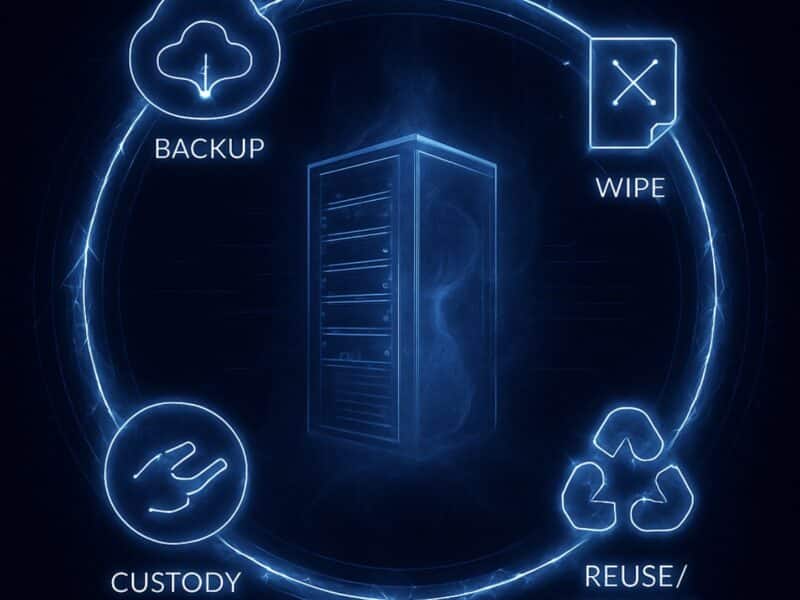
Server recycling isn’t destruction. Done right, it’s reuse first: erase to NIST standards, refurbish and resell what still has value, recycle only what’s truly end-of-life. That protects data, proves compliance, recovers materials, and cuts e-waste.
Myth #1: Recycling means shredding

Shredding feels like certainty. The truck arrives, the drives are chewed to bits, and the certificate lands on your desk. For years, vendors sold that service as server recycling.
It isn’t. It’s scrap recovery.
Standards like R2v3 and e-Stewards define a different order of operations:
- Erase data to NIST SP 800-88r1 standards.
- Refurbish and resell what still has life.
- Recycle only what’s truly end-of-life, with materials recovery for steel, copper, and plastics. That’s proper disposal.
Every step before shredding is value. In secondary markets, resale consistently outpaces commodity scrap. Sometimes by enough to change the balance sheet. Treating shredding as the only option throws that away.
The fix is policy. Define server recycling as reuse-first. Require NIST-aligned erasure and remarketing. Shred only when reuse fails.
If the hesitation is whether erasure really holds up, that leads straight to the next myth: the belief that a factory reset is “good enough.”
Myth #2: A factory reset is enough to protect data

A factory reset wipes file tables, clears user profiles, and makes a drive look empty. Quick, convenient, and for many teams, good enough to keep old servers moving.
It isn’t.
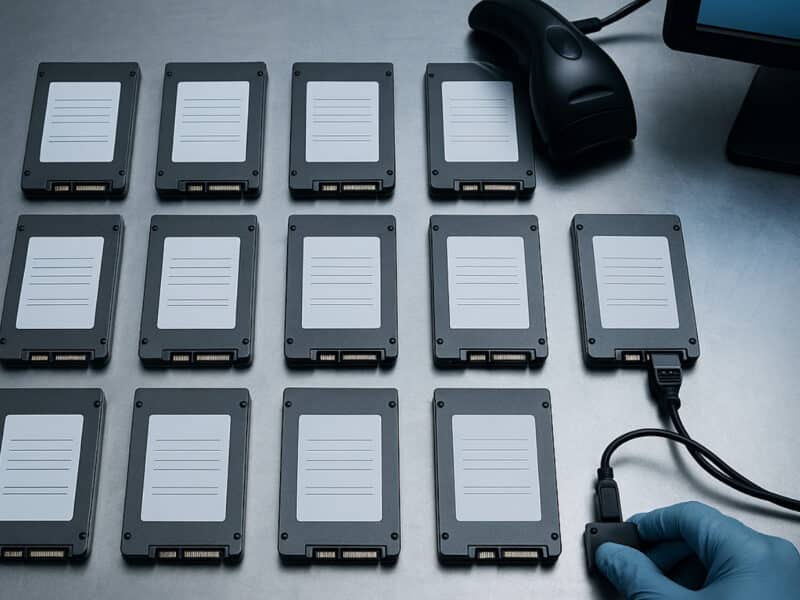
Resets don’t touch the underlying data blocks. Anyone with basic forensic tools can recover gigabytes in minutes. That’s why NIST SP 800-88r1 defines what actually counts as secure data destruction:
- Clear: overwrite user-accessible storage.
- Purge: cryptographic erase or firmware sanitize for SSDs and NVMe.
- Destroy: physical destruction for failed or non-erasable media.
Compliance programs — HIPAA, GDPR, PCI DSS, GLBA — point directly to these methods. A reset won’t satisfy an auditor, and it won’t protect you if discarded servers show up with recoverable data.
The fix is simple: make standards-aligned data sanitization your baseline. Require serialized records for every data-bearing device: asset ID, method used, operator, timestamp, result. That’s the secure method that proves compliance, safeguards sensitive information, and strengthens data security.
Once you’ve nailed down how the data is wiped, the next question is where it should happen, which brings us to the on-site vs off-site debate.
Myth #3: On-site processing is always safer
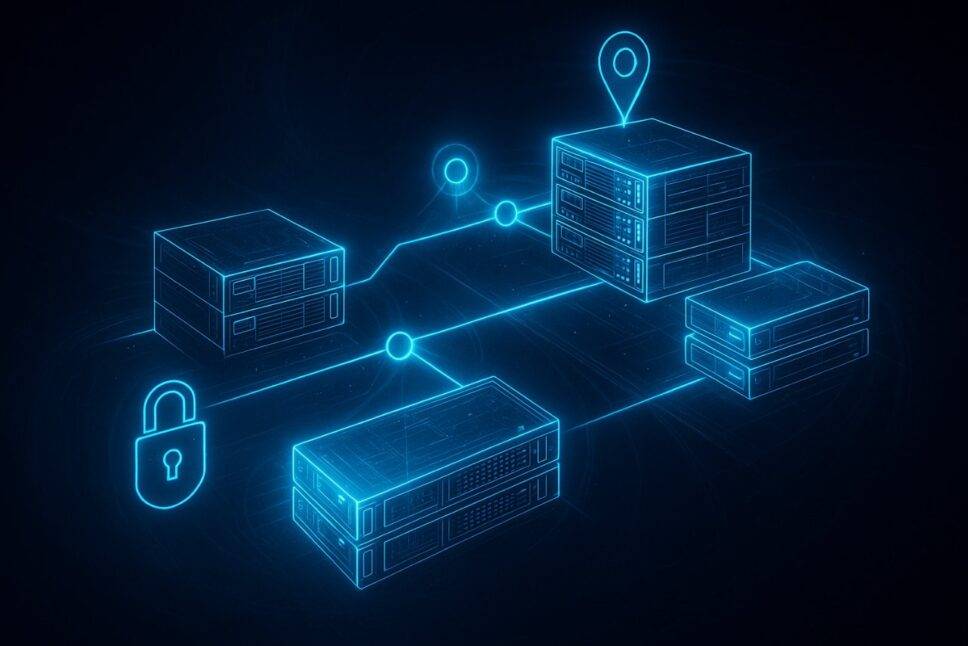
Watching drives shredded in your own parking lot feels secure. You see it happen, sign the paperwork, and nothing leaves the property intact. That visibility is reassuring, especially if you’ve ever had to brief the board after a breach.
But security doesn’t come from geography. It comes from controls and proof. Standards like NIST SP 800-88r1, R2v3, and e-Stewards emphasize documentation and chain of custody, not the ZIP code of the shred truck. Whether processing happens on-site, in a secure facility, or through a hybrid model, the real test is custody discipline:
- Was every decommissioned server logged at pickup?
- Were tamper-evident seals applied?
- Was transport GPS-tracked and insured?
- Could you see progress in a customer portal?
- Did you receive serialized certificates per device?
Without those safeguards, on-site shredding is just theater. With them, hybrid or in-facility processing can be equally — and sometimes more — secure.
The fix: choose based on risk profile, asset volume, and project timeline. Require custody logs, audit-ready reports, and incident SLAs in any model. That’s how you ensure responsible recycling that stands up to auditors and reduces security risks.
And when the discussion shifts to solid-state drives, another assumption still lingers: that they can’t be safely recycled after wiping.
Myth #4: SSDs can’t be recycled after wiping
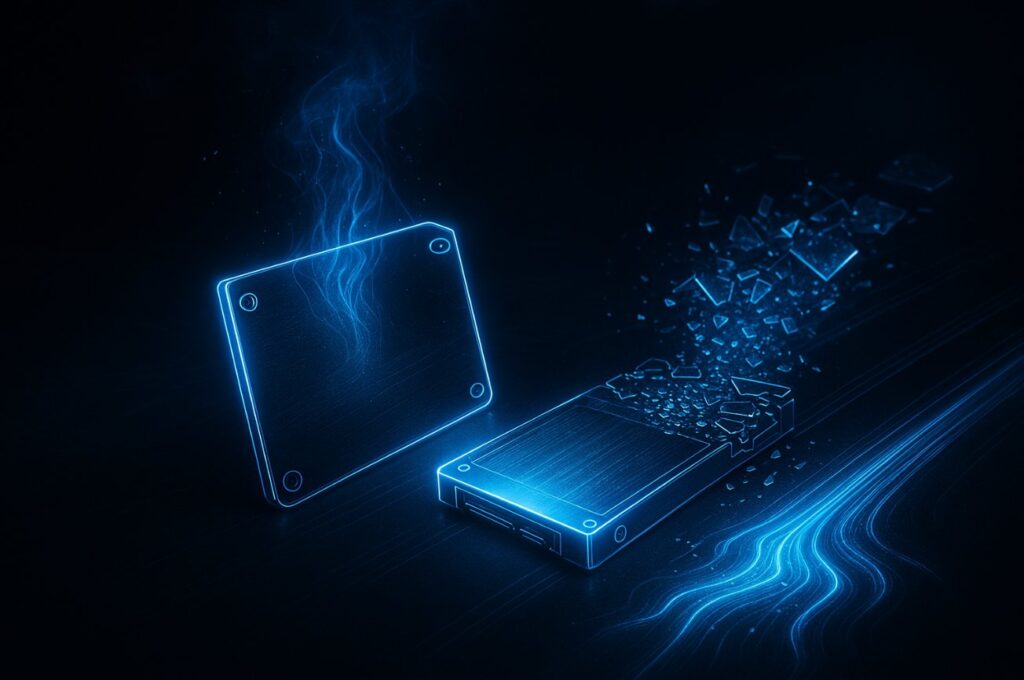
Solid-state drives feel tricky. No spinning platters, no neat magnetic tracks. Many teams assume the only safe move is physical destruction.
But NIST SP 800-88r1 explicitly addresses SSDs and NVMe. Cryptographic erase and firmware-based sanitize commands can render data unrecoverable when verified. These methods are recognized across the IT industry and accepted by regulators.
Drives that fail erasure shouldn’t go straight to the landfill. They can be destroyed and still yield value through responsible e-waste management, recovering precious metals, plastics, and other raw materials. Treating every SSD as un-recyclable wastes both hardware value and materials.
The fix: match the secure method to the media. Overwrite HDDs. Crypto-erase SSDs and NVMe. Degauss tape if needed. Escalate to physical destruction only when erasure fails. That ensures compliance, protects sensitive data, and maximizes material recovery from truly end-of-life assets.
Even with the right methods, one mistake can still undermine the whole program: skipping the paperwork.
Myth #5: Certificates are optional if we trust the vendor
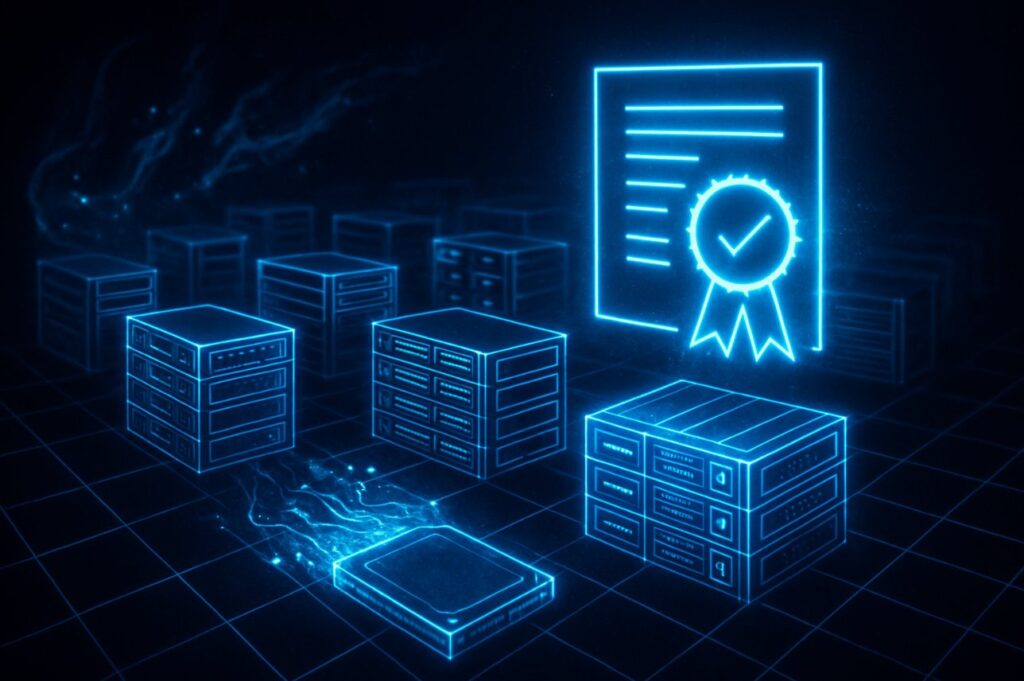
Vendors earn trust. Some have handled your IT equipment for years without incident. But auditors don’t grade trust. They grade evidence.
Without serialized records, your organization carries the liability. If a data-bearing device resurfaces, you’ll need more than a vendor handshake to prove compliance.
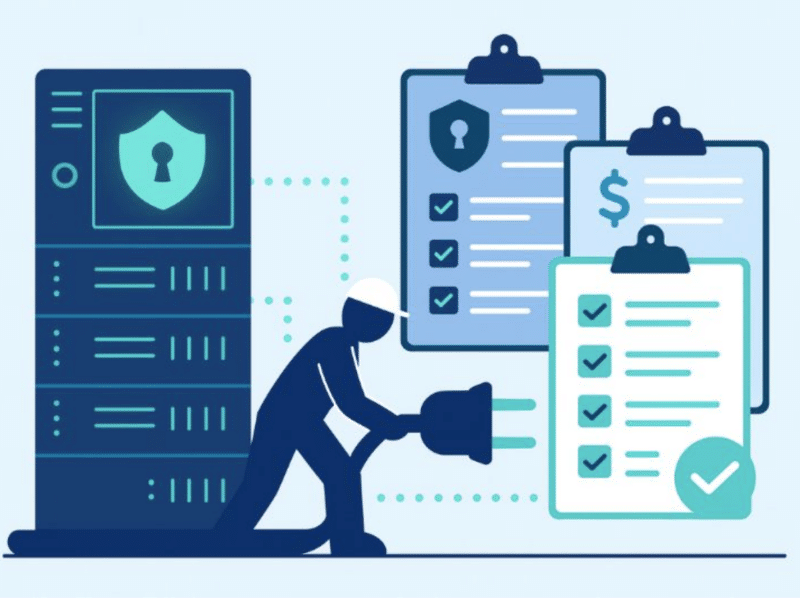
Standards expect per-device documentation: asset ID, sanitization method, operator, timestamp, result. Recycling manifests by stream (media, batteries, metals) provide the same assurance for environmental regulations. Together, these records create the audit trail regulators demand.
Skipping certificates may save effort in the short term. But it exposes you to fines, failed audits, and reputational damage that can dwarf any savings.
The fix: insist on serialized Certificates of Erasure or Destruction and retain them according to your audit policies. That’s how you ensure regulatory compliance, protect your company’s reputation, and maintain proof of responsible server recycling.
And even when the process is airtight, there’s still one more myth hiding in plain sight: the idea that accessories don’t affect resale value.
Myth #6: Accessories don’t affect resale value
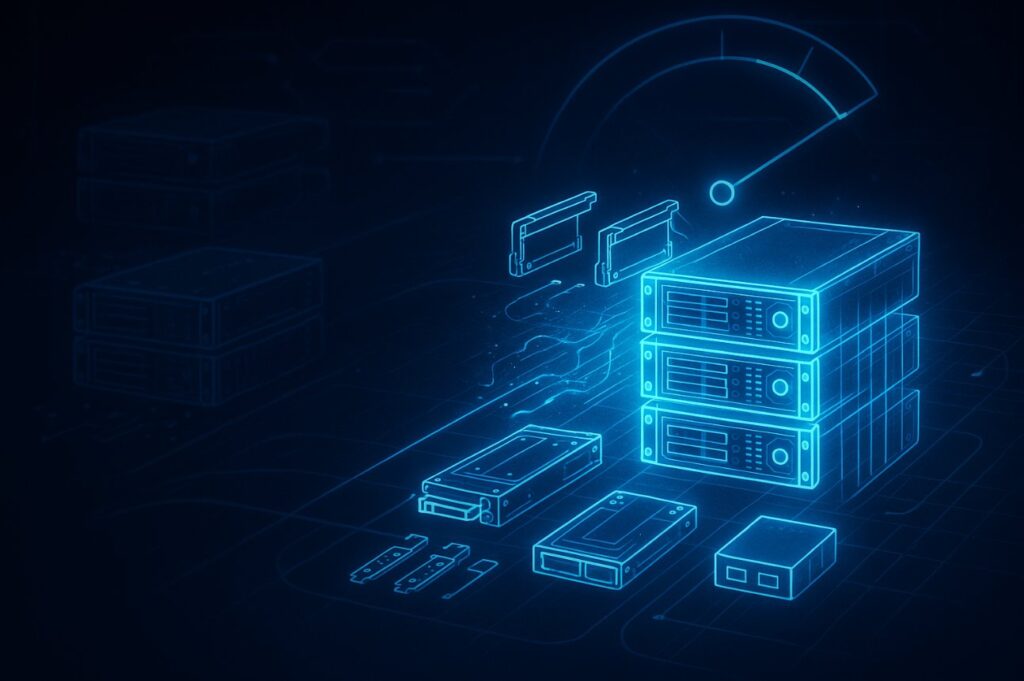
When a rack comes down, rails, caddies, bezels, power supplies, and optics often get tossed in bins or lost in transit. They feel minor compared to the chassis.
But buyers notice. Complete kits move faster and at higher prices. Missing accessories slow resale, drag down bids, and erase the cost savings you expected from a recovery program. In the secondary market, they’re critical components.
The fix isn’t complex: gather and label accessories during decommissioning, package them with antistatic protection, and keep them tied to the right servers. It’s the kind of operational detail that preserves grade, accelerates resale, and turns “used servers” into valuable components ready for redeployment.
Handled this way, accessories shift from afterthought to measurable driver of ROI in your server recycling program.
Put all six myths together, and the pattern is clear: the old habits bleed value and create compliance risk. The new approach treats servers as assets, not waste.
Conclusion
Every server leaving your floor still carries three things: sensitive data, valuable components, and a compliance trail you’ll need later.
Shredding by default, relying on factory resets, skipping paperwork, or discarding accessories — these aren’t just myths. They’re habits. Habits that waste money, increase security risks, and undermine compliance with environmental responsibility frameworks.
The better path is already written in the standards. Erase data to NIST SP 800-88r1. Follow reuse-first frameworks like R2v3 and e-Stewards. Document every step. Recycle only what’s truly end-of-life.
Your servers are not trash. They’re assets. Treat them that way — whether during ongoing recycling or a full data center decommissioning project — and you’ll protect sensitive information, ensure compliance, recover valuable materials, and cut your carbon footprint.
Ready to replace myths with measurable results? Design My Server Recycling Program
FAQs
No. Compliance comes from standards-aligned methods and documented proof, whether processing is on-site, off-site, or hybrid. Strong data security policies matter more than location.
Yes, if they’re sanitized to NIST SP 800-88r1 standards and backed with serialized certificates. Drives that fail erasure should be destroyed and then recycled responsibly.
Specifications, condition, complete accessories, and time-to-market. Proper packaging and chain-of-custody controls preserve grade and resale value.
It depends on volume and service model. With the right planning, many programs are completed in weeks rather than months. Well-documented data center recycling processes help speed up timelines and reduce compliance risks.
The safest approach is to follow standards-aligned server disposal practices. Rather than simply deleting files, companies should use NIST-compliant erasure methods to protect against data loss and data breaches. This ensures that any data stored on outdated servers is fully sanitized before resale or recycling.
A proper recycling process not only helps organizations safely dispose of servers but also minimizes hazardous materials and waste disposal issues. By focusing on reuse-first frameworks, IT teams reduce electronic waste, conserve natural resources, and ensure compliance with various environmental regulations.
For most IT departments, decommissioning begins with protecting sensitive data and ends with reducing costs. Choosing comprehensive server recycling services provides a full chain of custody, guarantees secure data destruction, and maximizes the recovery of reusable components. It’s an essential part of asset management that allows data centers to adapt as technology continues to evolve.