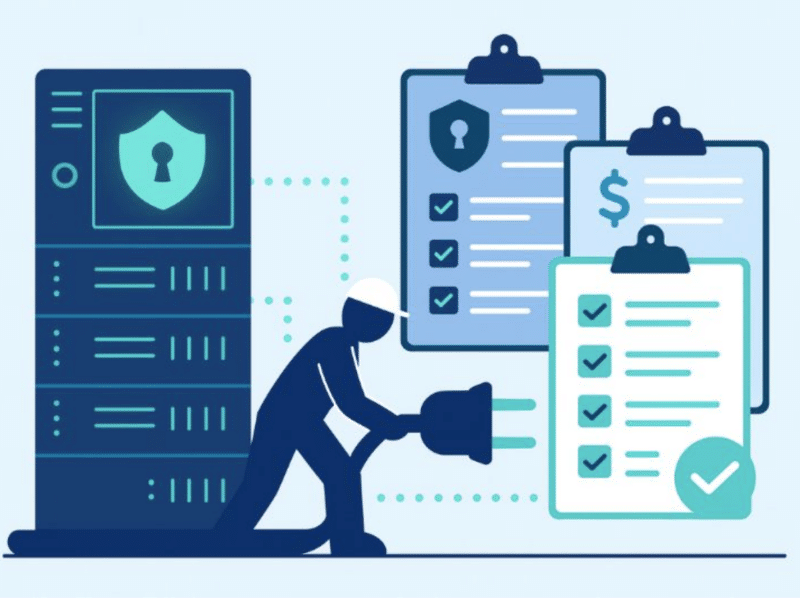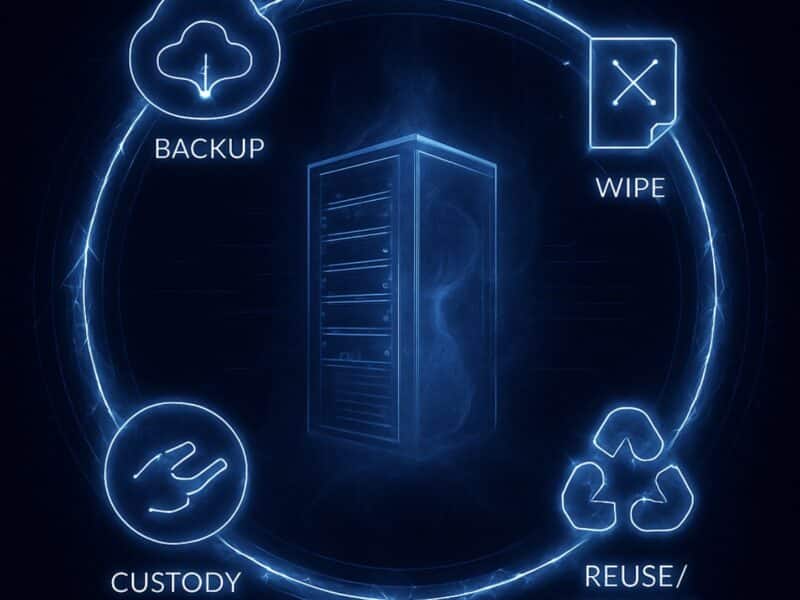
Taking a live data center offline introduces risk before any maintenance or infrastructure work begins. Once systems start going offline, the margin for error narrows and the ability to recover depends on decisions made before shutdown.
An overlooked dependency can extend an outage beyond its intended scope. An unvalidated recovery plan can leave critical systems unable to return to service as expected. Effective shutdown planning addresses both sides of the transition: how infrastructure goes offline and how it returns to service.
This article examines the planning and sequencing required to execute a controlled shutdown, protect critical systems, and restore operations with confidence.
Key Takeaways
- Define the shutdown scope and map workload dependencies before establishing the power-down sequence.
- Validate critical backups through recovery testing before systems go offline.
- Establish a pre-shutdown baseline to distinguish existing faults from shutdown-related issues.
- Execute the shutdown in dependency order, progressing from active workloads to physical and facility infrastructure.
- Restore each infrastructure layer only after the preceding layer is stable. For permanent shutdowns, extend the process into secure decommissioning and asset disposition.
What Is a Data Center Shutdown?

The shutdown sequence depends on whether the environment is expected to return to service or be retired permanently. That distinction determines how systems are taken offline and what controls follow power-down.
Permanent shutdowns typically accompany a facility closure, consolidation, cloud migration, or infrastructure retirement. Power-down is then followed by data center decommissioning, where hardware moves through data sanitization, removal, and final disposition.
Temporary shutdowns are designed around recovery. Whether triggered by scheduled maintenance or an emergency, the shutdown sequence must preserve system dependencies and support an orderly return to service.
Both require controlled sequencing, but for different outcomes. A temporary shutdown must protect the path back to operation, while a permanent shutdown must preserve asset and data controls through decommissioning.
How to Prepare for a Data Center Shutdown

Preparation starts with defining exactly what will be affected by the shutdown. An infrastructure inventory defines the systems within scope and captures the dependencies that determine shutdown order.
Reconcile the inventory against the live environment across three areas:
- Compute and data: Physical and virtual servers, storage, databases, and associated workloads
- Network and facility infrastructure: Network equipment and the power and cooling systems supporting the environment
- Connected services: Backup, monitoring, cloud, and remote services with dependencies on the facility
With the scope defined, the inventory provides the basis for dependency validation, backup verification, and final pre-shutdown checks.
Document the Infrastructure and Map Dependencies
Shutdown sequencing depends on understanding what each workload needs to remain operational. Trace each business-critical workload through the infrastructure and services required to keep it running.
For example, an application may depend on a database hosted on a specific storage platform. The application must be stopped before the database, followed by the underlying storage. Dependencies that extend outside the facility, such as cloud-hosted or third-party services, need to be incorporated into the same sequence.
Document these relationships as a dependency hierarchy and assign a shutdown order to each component. This converts the dependency map into an executable sequence for power-down and a defined path for restoring services.
Verify Backups and Recovery Plans
A completed backup does not guarantee successful recovery. Before shutdown, verify critical data is recoverable and recovery procedures are executable.
Confirm that:
- Critical backups are current and intact
- Recovery points meet data-loss requirements
- Restoration procedures have been tested
- Recovery resources and responsibilities are established
A test restore validates that critical workloads can be recovered before the shutdown proceeds.
Inspect the Environment Before Shutdown
Establish a baseline of the environment’s health before systems go offline. Review active hardware faults, storage health, network errors, and power conditions, then document any unresolved issues.
Preserve monitoring data and system logs from this period. If a fault appears during restart, the baseline provides a reference for determining whether it existed beforehand or resulted from the shutdown.
Step-by-Step Data Center Shutdown Procedure

With the environment assessed and recovery readiness established, the shutdown can move into execution. The following steps provide a structured progression from active workloads to a controlled power-down.
1. Stop user-facing applications and services
Start by taking user-facing workloads out of service so they stop generating activity against the infrastructure that will follow. This includes any production application that continues to initiate transactions or system requests.
The shutdown should:
- Notify affected users and teams
- Block new sessions and transactions
- Suspend scheduled jobs and automated workloads
- Stop applications through their standard administrative procedures
- Review shutdown logs for errors
- Verify that active processes and connections have terminated
Do not proceed to the supporting infrastructure until application activity has fully stopped.
2. Shut down databases and middleware
With application traffic stopped, the supporting data layer can be taken offline. Shut down databases through their management interfaces and allow active transactions to complete before terminating services.
Before shutdown:
- Clear active transactions and connections
- Complete or suspend replication and scheduled processes
- Stop database services using standard shutdown procedures
- Shut down middleware according to its dependencies
- Review logs for incomplete processes or reconnection attempts
Verify that database and middleware services have terminated cleanly before proceeding to the underlying infrastructure.
3. Shut down virtual machines and management platforms
With application and database services offline, shut down the remaining virtual machines through the operating system or virtualization platform. Avoid powering off physical hosts while guest workloads are still active.
Use the virtualization console to identify any running or unresponsive VMs, then:
- Shut down remaining guest workloads in dependency order
- Verify that no VMs remain active on each host
- Record host status before physical shutdown
- Take virtualization management systems offline only after their dependent workloads have stopped
Keep management platforms available as long as they are needed to control or verify the remaining environment. Physical hosts should only proceed to shutdown once all guest activity has ended.
4. Power down servers, storage, and network equipment
Once workloads are cleared, physical infrastructure can be taken offline. Power down servers and hypervisors first, then proceed to storage after confirming that active operations and replication tasks have completed.
Keep network infrastructure available until all dependent systems no longer require connectivity.Once servers and storage are fully offline, switches and related network equipment can be shut down.
Record the status of each device as it is powered down to maintain an accurate shutdown record.
5. Secure power and supporting infrastructure
Facility systems are the final layer to be taken offline. Cooling and environmental monitoring must remain active until the IT load is removed and conditions have stabilized.
Once all IT equipment is confirmed offline:
- Shut down UPS and power distribution equipment according to facility procedures
- Take generators and remaining electrical systems out of service as required
- Verify that environmental conditions remain within acceptable limits
- Record final power states and any active alarms
Make the sequence align with the facility’s electrical and mechanical design. Preserve the final system state as the baseline for restart or the next phase of decommissioning.
Bringing the Data Center Back Online

Restart is not simply the shutdown sequence in reverse. Each infrastructure layer must be stable before the systems that depend on it are restored.
Begin with facility power and cooling, then restore network connectivity and core IT infrastructure. Allow each layer to stabilize before proceeding and investigate any alarms or startup failures as they occur.
Once the underlying environment is stable, restore databases and application services in dependency order. Validate system health at each stage, then test critical applications with the relevant owners to confirm service availability and data integrity.
Document restart failures and corrective actions as part of the recovery record. These findings can expose weaknesses in the shutdown plan and inform future maintenance or recovery procedures.
Conclusion
A controlled data center shutdown does more than take infrastructure offline. It preserves the integrity of the environment and establishes a defined path to recovery. When systems return to service as expected, the shutdown is complete. For a permanently retired facility, power-down marks the beginning of the next phase.
Decommissioning extends control beyond the shutdown to the physical assets and data left behind. Equipment must be securely removed, data sanitized, and retired hardware directed toward reuse, value recovery, or responsible recycling.
Reconext provides end-to-end data center decommissioning with secure asset handling, data sanitization, and value recovery designed to carry that control through final disposition.
FAQs
What is the difference between a data center shutdown and decommissioning?
A data center shutdown takes systems and infrastructure offline in a controlled sequence. Decommissioning goes further by permanently retiring the environment, including data sanitization, equipment removal, asset disposition, and site closure activities.
How long does a data center shutdown take?
Shutdown duration depends on the size of the environment, system dependencies, and whether operations are expected to resume. A scheduled shutdown may be completed within a defined maintenance window, while shutting down infrastructure for a large-scale global decommissioning project requires more extensive coordination and execution.
What is the impact of a data center shutdown?
A planned shutdown controls how workloads and infrastructure are taken offline, protecting data integrity and preserving the path to recovery. An unplanned outage removes that control and can interrupt active workloads, corrupt in-flight data, or leave systems unable to restart cleanly.