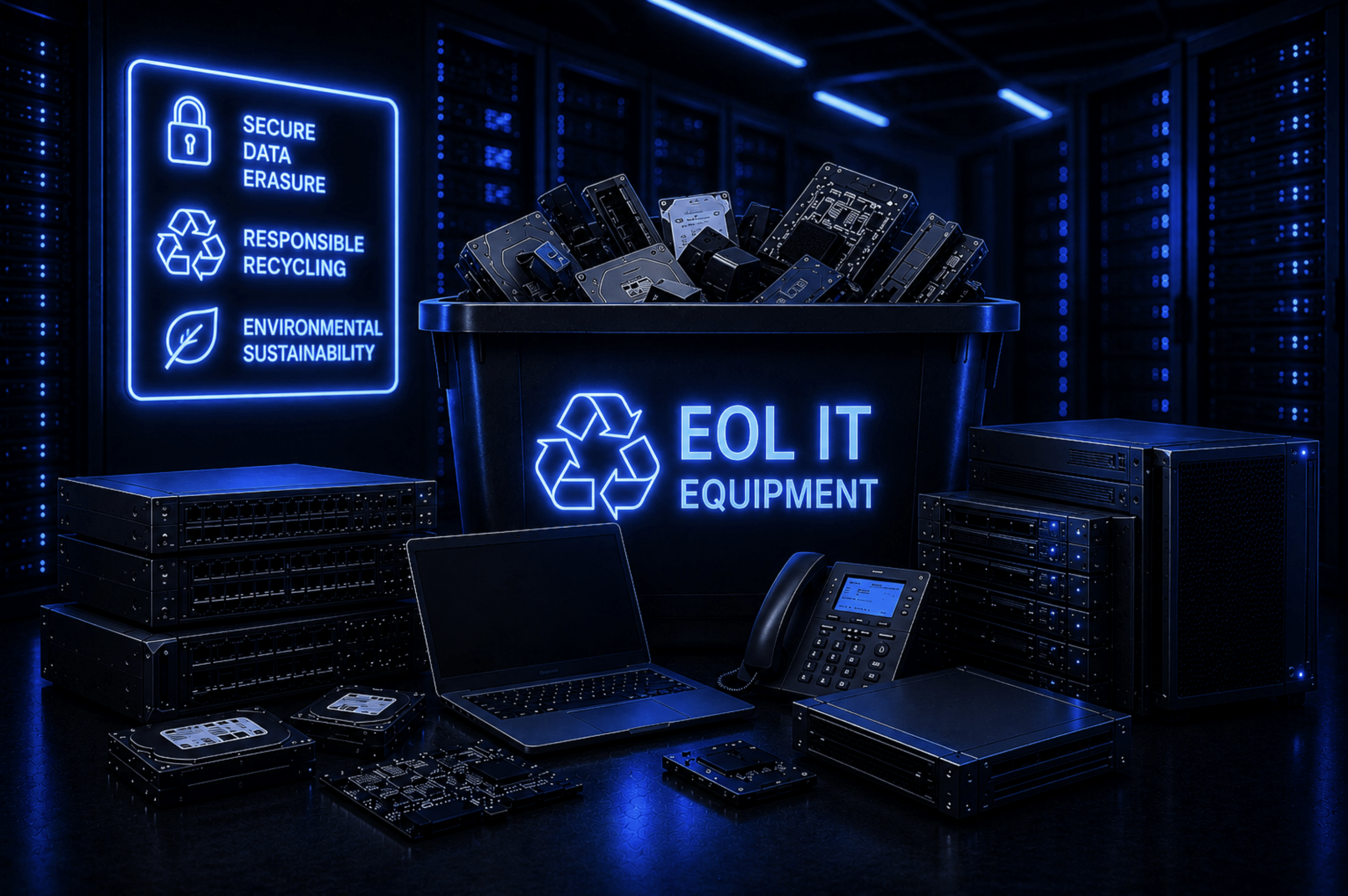
End-of-life (EOL) IT equipment has a tendency to pile up in server rooms and storage closets. Nobody ever knows what exactly to do with it, so it just sits there collecting dust and security risks.
Although these devices may no longer be in active use, they can still expose sensitive business data to unauthorized parties. This is a widespread issue, with reports indicating that improper disposal of IT equipment contributes to more than 20% of data breaches.
In addition to security concerns, poorly managed retired devices can result in unnecessary storage costs, regulatory compliance risks, and missed opportunities to recover residual value. To mitigate these challenges, businesses need a structured approach to identifying, sanitizing, and disposing of obsolete IT assets responsibly.
This article outlines the key steps involved in managing end-of-life IT equipment effectively, including inventory assessment, secure data destruction, and options for reuse, resale, recycling, or certified destruction.
Key Takeaways
- End-of-life IT equipment should be inventoried, tracked, and evaluated before any disposal decision is made.
- Businesses should sanitize all data, then resell, reuse, recycle, or destroy each asset based on condition, sensitivity, and residual value.
What Counts as End-of-Life IT Equipment?
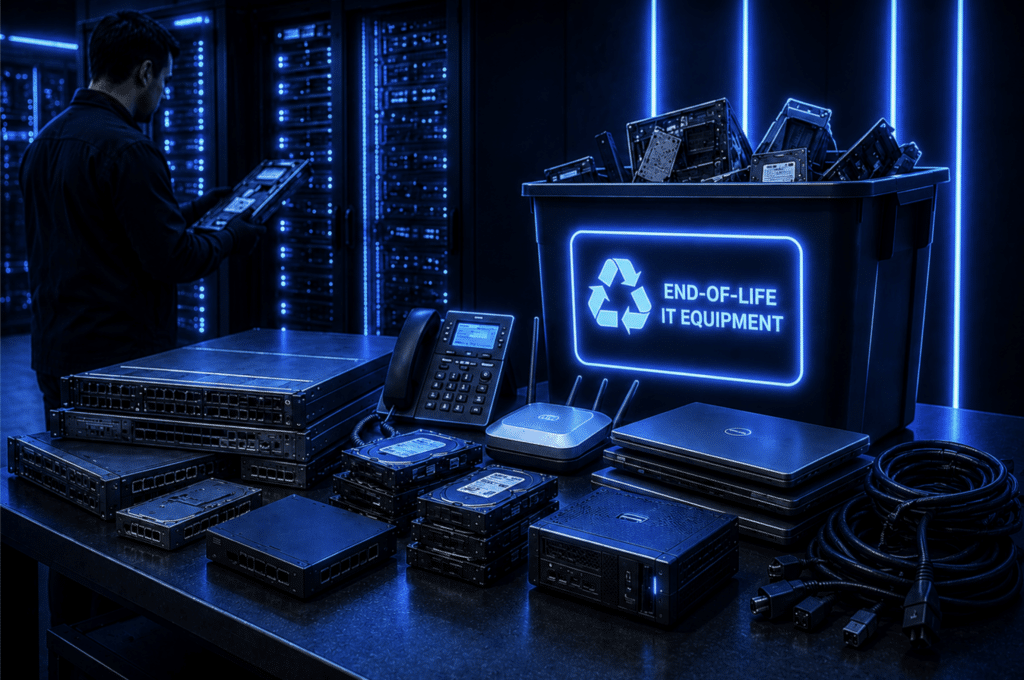
IT equipment reaches the end of its life when it becomes outdated, unsupported, insecure, or no longer practical to maintain.
While standards vary by industry, most organizations use a common set of factors to identify retired devices:
- Type of equipment: Different IT assets have different service lives based on use, workload, and technical relevance.
- Manufacturer support status: Devices often reach the end of life when vendors stop providing firmware updates, security patches, or vendor support.
- Hardware performance: Equipment may be retired when it can no longer support current workloads or begins to fail more often.
- Security requirements: Organizations may phase out devices that no longer meet current cybersecurity or compliance standards.
- Operational needs: Businesses may replace equipment to support growth, new IT infrastructure, or updated technology strategies.
While these devices may no longer offer significant operational value, they still hold recoverable asset value through recycling, reselling, or reuse.
Why Proper Management of Retired IT Equipment Matters
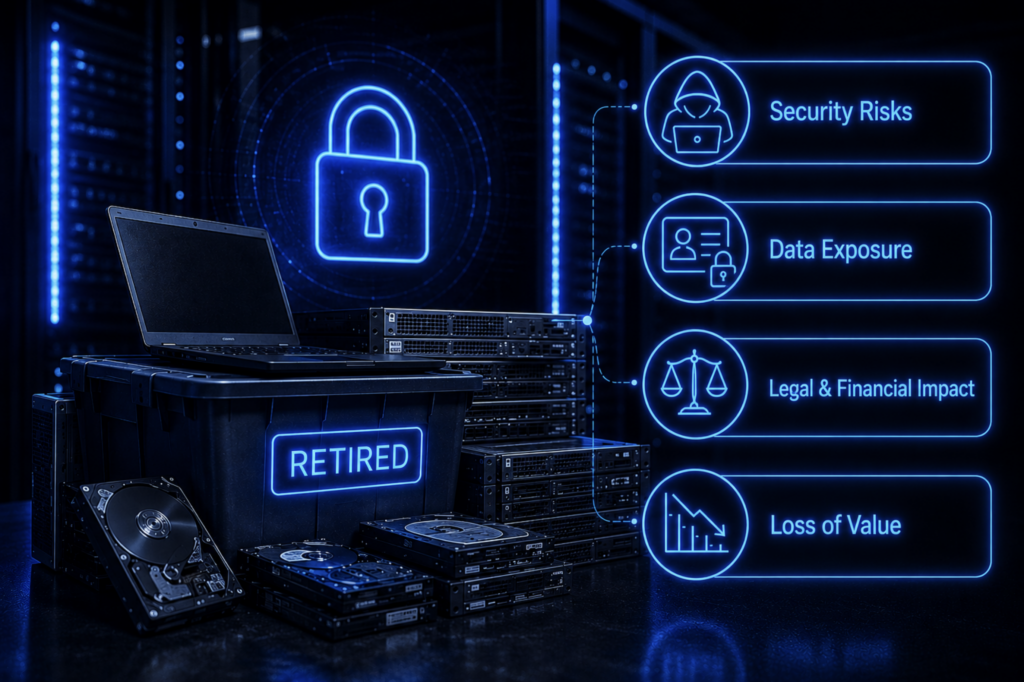
Businesses store retired laptops, servers, and hard drives for months or even years after they are removed from active use. Because these devices are no longer part of daily business operations, they are often overlooked, even though they still contain business data and company assets.
Some businesses assume that once these assets are deleted, storing the devices or giving them away is safe. But cybercriminals can still recover deleted data, thereby creating security vulnerabilities and exposing organizations to financial burdens.
The security risk is imminent because personally identifiable information (PII) remains valuable to cybercriminals. If retired devices are not handled securely, businesses can expose customer data to unauthorized access, fraud, and other forms of misuse. In most cases, that exposure can also lead to financial loss, legal consequences, and reputational damage.
Unattended retired IT equipment also impacts a business’s bottom line. The physical condition and functionality of a device diminish over time. Reselling it immediately after it is removed from active use will yield much more than reselling it years later.
What Businesses Should Do With End-of-Life IT Equipment
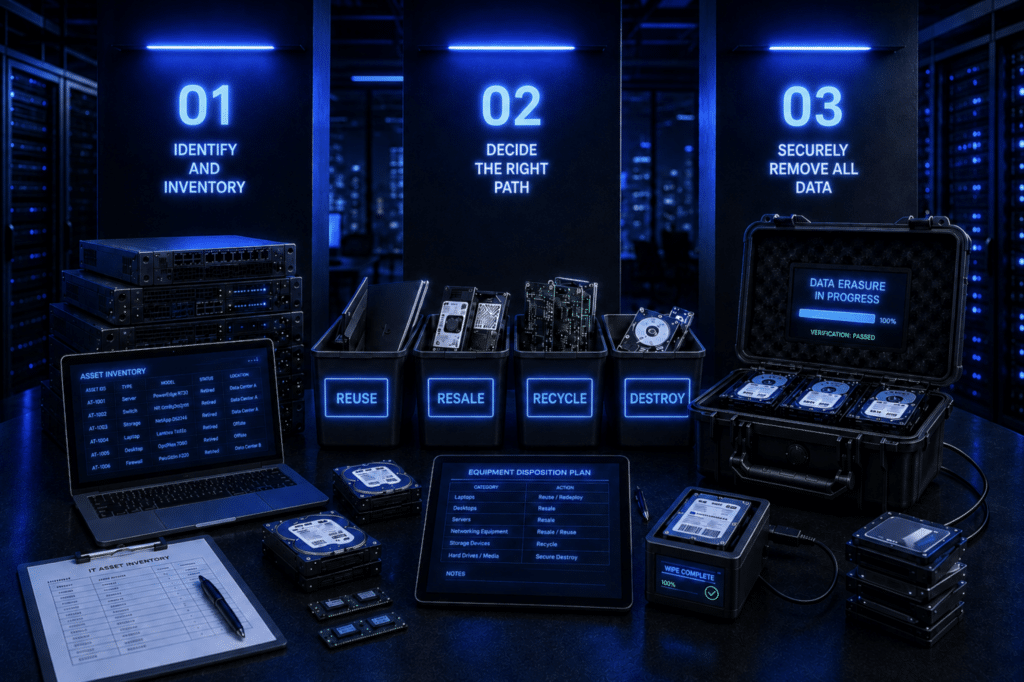
Proper disposal of retired IT assets should be carried out through a structured process, from asset identification through to secure data destruction and disposal.
Identify and Inventory Retired Assets
Start by identifying retired assets and creating an inventory. If devices were monitored throughout their entire lifecycle with asset management software, this step is usually easier because alerts can flag assets that are ready for retirement.
Retired assets should be tracked from decommissioning through final disposition to maintain the chain of custody. Businesses should document who handled each device and when. These records support audits and help demonstrate that critical assets were handled securely throughout the process.
The inventory also helps determine the right asset disposition path for each device. Each device should be evaluated based on factors such as:
- Device type and specifications
- Condition and functionality
- Age, warranty status, and end of support dates
- Data sensitivity
- Market or resale value
Documenting these details and each asset’s lifecycle status helps businesses decide whether to reuse, resell, recycle, or destroy a device.
Decide Whether Equipment Can Be Reused, Resold, Recycled, or Destroyed
The inventory stage helps businesses evaluate each asset against key factors such as condition, age, and data sensitivity.
The table below shows how common inventory factors affect the disposition decision:
| Inventory factor | Resell | Reuse | Recycle | Destroy |
| Device type and specifications | High-spec commercial devices are more suitable | Standard business devices can be reassigned internally | Low-grade or obsolete hardware | Devices with sensitive components requiring full elimination |
| Condition and functionality | Fully functional, good cosmetic condition | Working devices with acceptable wear | Non-functional or aging hardware | Critically damaged or compromised devices |
| Age and warranty status | Relatively recent, still in demand | Still within usable lifecycle for internal use | Unsupported hardware or obsolete models | Legacy equipment with security risks |
| Stored data sensitivity | Requires certified data sanitization before resale | Must be securely wiped before reuse | Must be wiped before dismantling | High-risk data requiring certified destruction |
| Market or resale value | High residual value | Moderate value but higher internal utility | Minimal or no resale value | No economic value, disposal cost justified |
Clear evaluation criteria reduce uncertainty, lower operational risk, and support more cost-effective disposition decisions.
Securely Remove All Data Before Disposal
Before any device is reused, resold, recycled, or destroyed, all data must be removed. This process, known as data sanitization, protects confidentiality and reduces legal and financial risk.
Data sanitization should be secure, compliant, and documented. When done correctly, it prevents data recovery and helps businesses meet regulatory compliance requirements.
Many businesses follow NIST-recommended guidelines for media sanitization. Under these guidelines, ITAD providers generally use three methods:
- Clear: Uses software-based techniques to overwrite data so it cannot be accessed through normal system functions, though advanced recovery may still be possible.
- Purge: Uses stronger methods, such as cryptographic erasure or degaussing, to prevent recovery even with forensic tools.
- Destroy: Physically destroys the storage media so the data cannot be recovered.
The right data sanitization method depends on the inventory findings, including device type, data sensitivity, and physical components.
Why Businesses Use ITAD Providers
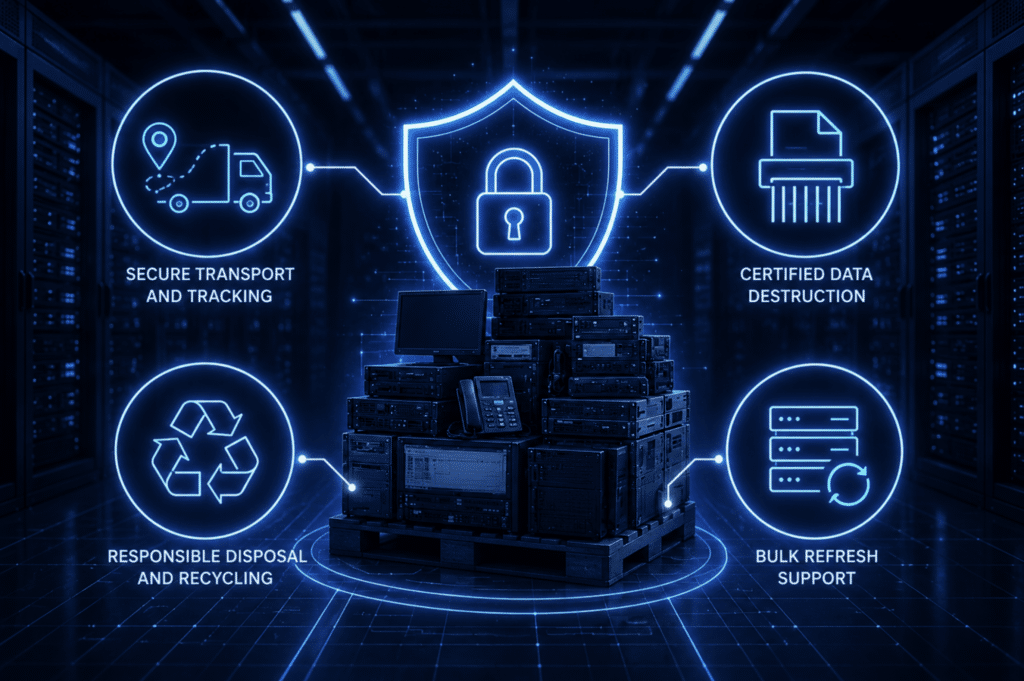
ITAD providers help businesses manage retired IT equipment by handling the security, compliance, logistics, and environmental requirements of the disposition process.
They support businesses by:
- Secure transport and tracking: Maintaining a chain of custody from collection through final processing to reduce loss, theft, or unauthorized access.
- Certified data destruction: Permanently removing sensitive information using approved sanitization methods that meet compliance standards.
- Responsible disposal and recycling: Processing electronic waste in an environmentally compliant way and recovering reusable materials where possible.
- Bulk refresh support: Managing large-scale decommissioning and hardware replacement projects more efficiently.
Without this support, businesses must manage logistics, security controls, documentation, and compliance checks internally across the IT environment and every stage of the process.
Conclusion
Retired IT assets can expose businesses to data breaches and avoidable financial losses long after it leaves active use. The longer the asset goes unmanaged, the greater the risk of sensitive data exposure and the lower its recoverable value.
This is why businesses need to adopt structured ITAD processes that secure data, maintain the chain of custody, and help maximize value recovery before equipment becomes obsolete.
Reconext helps organizations manage large-scale IT refreshes and ongoing asset disposition by following this process. Reach out to Reconext to reduce data exposure and securely handle retired IT assets.
FAQs
What are EOL devices?
End-of-Life (EOL) devices are hardware or software that are no longer being produced, sold, or supported by the original equipment manufacturer (OEM). These devices receive little to no technical support, and new versions of the same cease to be developed. EOL devices pose a huge data security risk because they usually get dumped in storage when they are replaced with newer models.
What is the difference between end of life (EOL) and end of support (EOS) IT equipment?
End-of-life IT equipment is no longer useful to the business, while end-of-support equipment no longer receives original equipment manufacturer support. A device can reach the end of its life because it is slow, built on outdated technology, too costly to maintain, or no longer aligned with business needs. End of support is more specific because it usually means the vendor has stopped providing firmware, security updates, or technical assistance.
What should businesses do with EOL hardware?
Businesses should inventory old IT equipment, securely remove all data, and select the appropriate disposal path for each asset. Depending on the device’s condition, sensitivity, and resale value, it may be reused, resold, recycled, or destroyed. A structured ITAD process helps reduce security, compliance, and environmental risks.
Can businesses recover value from retired IT assets?
Yes, businesses can recover value from retired IT assets if they evaluate and process them early. Functional laptops, servers, networking equipment, and other devices may still have resale or reuse value in secondary markets after secure data sanitization. Waiting too long can reduce that value as equipment becomes outdated, damaged, or harder to resell.