In 2023, ESET researchers bought used enterprise routers off the resale market and could read configuration data on 16 of them. Nine still held sensitive company data, including network configurations and credentials from their previous owners. Servers carry the same kind of risk in their management controllers, but it gets far less attention.
A single retired server can hold data across multiple drives, so wiping the main drive is only one part of the job. A server can also contain components that are worth more individually than they would be as part of a scrapped chassis. This article focuses on secure data handling, chain of custody, and five disposition paths.
Key Takeaways
- A server’s data risk extends beyond its drives to the management controller and firmware, which need their own proper disposal step.
- Once a server is dismantled, each component needs its own identifier so its history survives separation from the chassis.
- A sanitized server can go one of five ways: redeployment, refurbishment, resale, component harvesting, or recycling. Condition and market value decide which.
What complicates server data destruction
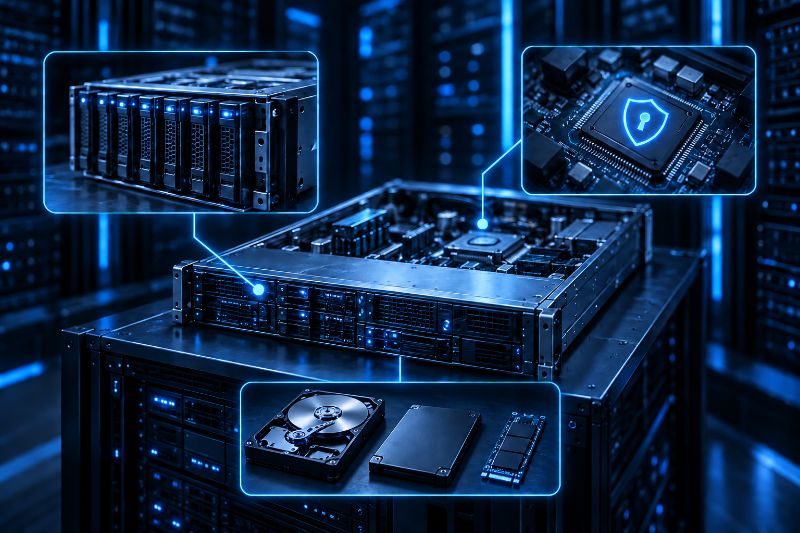
Server data can live on the drives, the management controller, and other components. An OS reset only clears the operating system, so it can leave data untouched elsewhere.
Multiple drives and RAID arrays
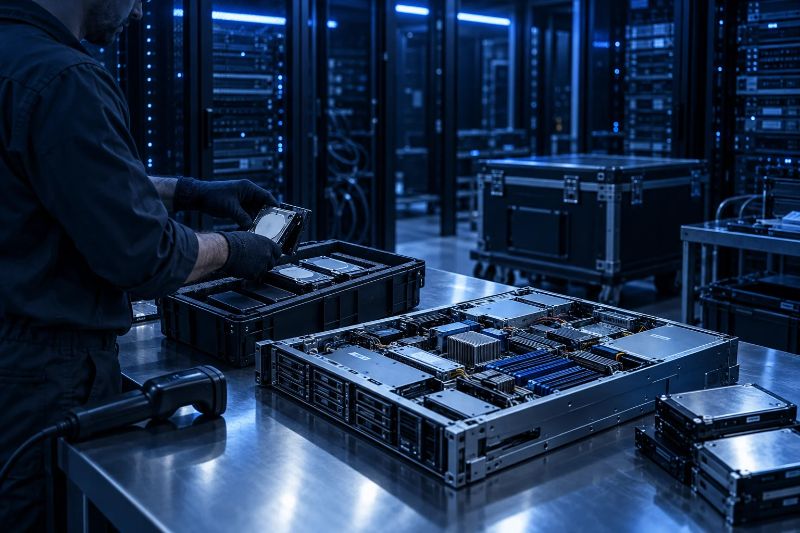
A server can have several drives inside it, including RAID drives, cache drives, and boot media. You need to address each one before the server leaves your facility. Check what the drive contains before choosing a sanitization method, then decide to reuse it or destroy it.
RAID can make things a little less straightforward. Drives that have been part of an array may need to be removed from the RAID configuration before you can test and clear them individually. The controller can store information about how the array was set up, so wiping only the operating system isn’t enough.
The baseboard management controller
The baseboard management controller (BMC) is another easy-to-overlook component. Tools such as Dell iDRAC and HPE iLO work separately from the server’s operating system. They can store login credentials and network settings, logs, and other configuration details.
The BMC needs separate handling because its settings sit outside the server’s drives. CISA and the NSA have flagged BMCs as a commonly overlooked attack surface, and that applies just as much to a server leaving the building as to one in production.
Mixed drive types
It is also common to find different storage types in the same server. One chassis might contain older SATA or SAS hard drives alongside SSDs or NVMe drives. These storage styles do not always respond to the same sanitization method.
Each drive should be identified and handled according to its type and intended disposition. Other components that store data need the same kind of attention. Before the server leaves your control, reset the BMC, clear TPM keys where applicable, and sanitize each storage device individually.
Keeping a clear chain of custody as a server gets dismantled
A laptop generally stays as one item throughout disposition. A server can be split into several separate assets during disposition. Drives, memory, and network cards are removed from the rack and sent to different places, making tracking harder.
To keep the chain of custody intact:
- Record the server’s full configuration and serial numbers before teardown begins
- Give each component its own identifier that stays with it once it leaves the chassis
- Link that identifier to a digital record that follows the component through testing, sanitization, and disposition
- Keep the record with the component at every handoff
NIST’s SP 800-88 Rev.1 , a standard for secure data wiping, included a sample Certificate of Sanitization showing the asset type, media, sanitization, verification, and disposition details that can be recorded as evidence of the work performed. Skipping any of these steps could cause a harvested drive or memory module to lose its history as soon as it is separated from the decommissioned server it came from.
Deciding what happens to decommissioned servers
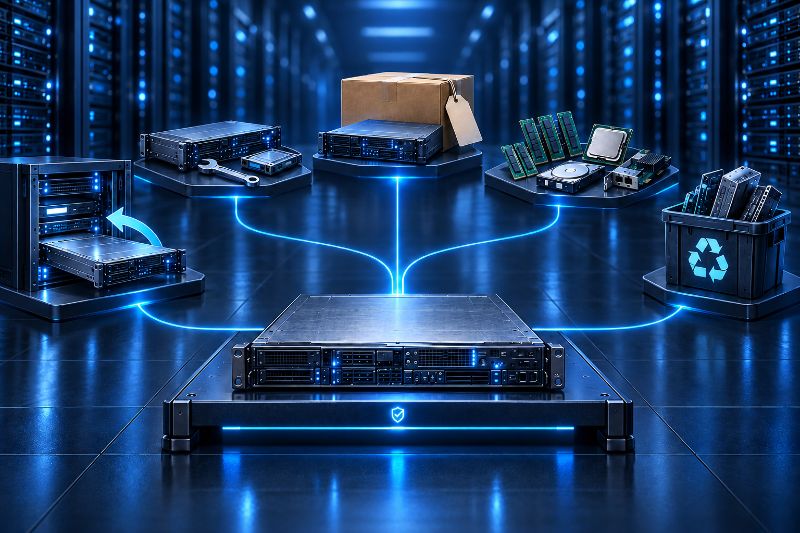
Once a server has been sanitized and its condition is known, it will generally take one of five paths. The final route affects both the cost of handling the equipment and how much value can be recovered from it.
Redeployment
Redeployment means moving a server from its original role into another role within the same organization. It is usually for a lower-priority workload like development, testing, or backup infrastructure. If the server held sensitive business data in its previous role, its storage media should be sanitized before it is redeployed internally.
NIST’s guidance focuses on protecting confidential information stored in the media. The data security controls also apply after the server moves to a different internal role.
Refurbishment
Refurbishment repairs or upgrades a server. It extends the useful life of the server for another internal workload and prepares it for resale. But refurbishing a unit that will not pass resale grading only wastes labor. Refurbishment also updates firmware and BIOS for servers going back into production or resale.
Resale
Servers that pass testing and have enough market value are resold. The resold servers are usually newer-generation and are suited to widely used workloads. Buyers expect documented sanitization of the data and request certificates of destruction for data destruction processes.
Component harvesting
Component harvesting recovers value from individual parts, memory, processors, drives, or network cards from rack servers or blade servers that are not worth selling as a complete unit. Recovering these materials also conserves valuable resources like copper and gold.
This has become more relevant as the value of memory and other components has shifted. Memory prices in particular have risen sharply as AI data centers compete with traditional enterprise applications for supply.
Responsible Recycling
Recycling is the path for old servers, networking equipment, or other data center equipment that cannot be redeployed, refurbished, resold, or harvested for parts. Electronic waste accounts for 2% of landfill volume in the U.S. Recycling servers also reduces carbon footprint by removing the need for new raw material processing.
Servers can contain hazardous materials like mercury and lead. Proper server recycling prevents these toxic heavy metals from entering landfills. The server recycling process should end with documentation showing what was processed and how. A general assurance of responsible handling of the remaining recycled servers is not enough.
A case involving Brighton and Sussex University Hospitals NHS TRUST shows what happens when a disposal chain has no controls past the first handoff. The trust handed hard drives to a contractor for destruction. The work was passed to an individual subcontractor, and 232 of those drives later surfaced on eBay still holding patient data. The ICO fined the trust in 2012.
What decides the path a server takes
First, consider age and compatibility. A server that cannot handle the workload or meet power and density requirements isn’t suitable for redeployment, even if it passes basic testing.
Then test the server’s condition to decide what to do with it. A server that passes full functional testing can be sent to resale or refurbishment. But if some components are marginal or failing, using the server for parts is better than trying to sell it as a complete unit.
If a server has enough resale value, it can be sold as a complete unit. An older server that has limited value as a whole may still have components, such as memory or drives, that are worth recovering and selling separately. Keep a record of why you chose recycling, resale, or redeployment for each piece of equipment, so you can check it when similar equipment comes up for retirement.
Common mistakes in server disposal
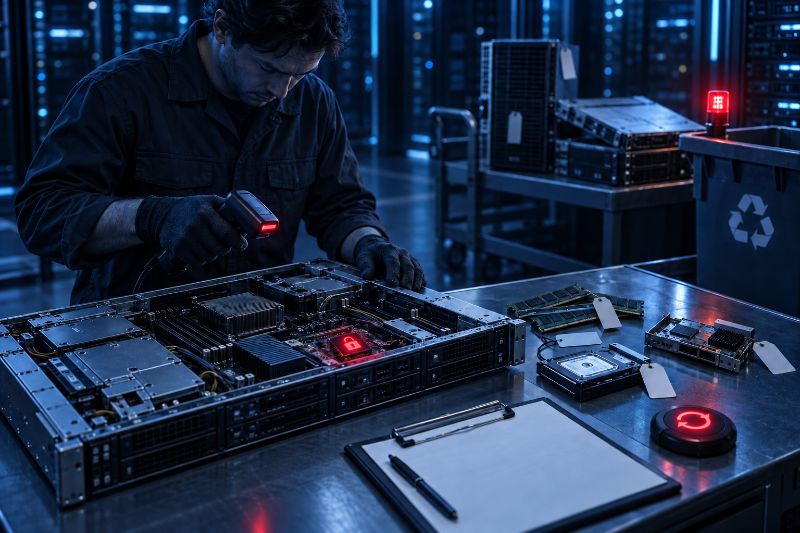
These mistakes show up repeatedly and each one costs either security or value:
- Wiping the drives with an OS reset but leaving BMC, BIOS, or TPM credentials untouched
- Sending retired servers of different ages or test results through the same route
- Losing track of the connection of harvested server components to their original server
- Sending equipment where it is easiest to process, even when the server or its parts may have resale value
- Treating BMC or drives factory resets like a documented sanitization
How Reconext handles server disposal
Reconext doesn’t send every old server for recycling. It first tests the equipment and assesses its condition. Servers that pass are sent to be reused, refurbished, or remarketed.
Data is wiped on site using Reconext’s Rackwipe and Proteus systems. The process covers installed drives, loose media, the BMC, and firmware. When the complete server has no remaining value, Reconext can test the individual components for reuse.
Equipment that cannot be reused or resold goes to recycling and parts recovery. Reconext has R2v3 certification for this work, verified through independent audits.
Conclusion
Server disposal starts with the drives, but the management controller and individual components also need attention. Servers can store data in different places, and once dismantled, individual components still need to be tracked and handled properly.
A good disposal process securely sanitizes each server and its components, then sends them for reuse, refurbishment, resale, component recovery, or recycling. Proper handling reduces data security risks and retains value from equipment that has useful life or recoverable components.
Frequently Asked Questions
Can a server be resold even if BMC or management firmware cannot be fully reset?
Usually, no. The BMC needs to be reset first because it can retain network configuration or credentials that buyers may reject.
Does redeploying a server internally still require full data sanitization?
Yes, since data risk can carry over from its previous workload after moving a server to a lower-priority internal role.
How long should chain-of-custody records be kept after a server is disposed of?
Record-retention periods depend on the industry and the organization’s legal requirements. Several years is common where audit records or legal holds apply.
What happens to software licenses tied to a retired server?
Software asset management should handle license recovery and reassignment when the server is retired.