Every data center has an end of life. Sometimes it’s a cloud migration, sometimes a merger, sometimes just the cost of keeping old hardware alive. But when that day comes, pulling the plug is the easy part. A bigger and more complicated question is “what happens next?”
Closing a data center isn’t just an IT task. It’s a delicate process that involves protecting sensitive data, handling valuable equipment, staying within compliance, and making sure nothing ends up in the wrong place. Do it poorly, and you risk data breaches, penalties, and wasted assets. Do it well, and you recover value, cut costs, and even boost your ESG story.
That’s why having a checklist like this one can help you keep the process organized and turn what could be a liability into an opportunity.
Key Takeaway
The best way to decommission a data center is with a structured plan and a trusted provider who can securely destroy data, refurbish and resell equipment, and recycle what’s left, all while ensuring compliance and sustainability.
Understanding data center decommissioning

Decommissioning is the formal process of shutting down a data center, from powering off servers to clearing out racks and cables. But it’s never as simple as “turn it off and take it out.” Because sensitive data is involved, equipment must be handled securely and every step documented to meet compliance requirements.
Companies usually decommission data centers when:
- Migrating to the cloud – moving workloads to AWS, Azure, or Google Cloud makes physical hardware unnecessary.
- Consolidating after a merger or acquisition – two overlapping facilities rarely make sense.
- Upgrading to modern hardware – beyond a certain point, old servers and storage become more expensive to maintain than to replace.
- Responding to disasters or relocations – high energy costs, environmental hazards, or strategic moves can all trigger shutdowns.
Each situation comes with its own complications. A cloud migration could mean terabytes of sensitive data in transit. A merger might involve combining two entirely different IT environments. A hardware refresh leaves thousands of drives still loaded with confidential information. That’s why a proper decommission is a process, planning, and experienced execution all in one.
Sustainable data center decommissioning checklist

Start with a clear plan
Nobody ever looked back and thought, we planned that too well. Without a roadmap, a data center decommissioning project can turn messy: lost equipment, missing paperwork, and risks that show up months after the site is gone.
A good plan should cover:
- Scope. Which data center or rooms are being shut down? What’s included? Racks, networking, power, cooling?
- Timelines and budgets. When does it start and end? How much downtime is acceptable? What’s the spending limit?
- Roles. Who is handling backups, asset tracking, compliance documentation, and vendor coordination?
- Provider. Certifications, security standards, and a track record you can trust.
At Reconext, this stage begins with mapping customer goals such as secure data destruction, asset value recovery, and reducing environmental impact directly into the plan. This ensures the project delivers more than just logistics.
Survey and decide what happens to each asset
The success of decommissioning relies on one simple thing: knowing exactly what you have. Without a proper inventory, you can’t prove compliance, track value recovery, or even be sure all equipment actually left the building.
At this stage, teams walk through the facility and create a detailed asset inventory, documenting:
- Servers, racks, and storage systems
- Networking gear like switches, routers, and firewalls
- Backup systems and power supplies
- Cabling and other supporting infrastructure
After that comes the real work: deciding each asset’s future. Redeploy it, refurbish and resell, recycle or, in rare cases, destroy outright. Making those calls upfront prevents last-minute improvisation and keeps sensitive hardware from being mishandled.
Backup and move your data
If there’s one non-negotiable in decommissioning, it’s this: never touch the hardware until the data is backed up. Too many companies have lost important business processes because backups were incomplete or untested.
Best practice looks like this:
- Multiple backups of critical data, stored across different media or providers
- Test restores before equipment is touched by taking a sample and confirming it works
- Stage migrations so systems move seamlessly into the new environment with minimal downtime
At Reconext, we’ve seen far too many projects where incomplete backups created weeks of recovery work. Taking the time here saves far more time and cost later.
Destroy any remaining data securely
Even after migration, decommissioned storage devices still hold sensitive data, and all it takes is a single overlooked disk to cause an expensive breach. That’s why secure destruction has to remain top of mind throughout the process.
Certified methods usually mean:
- Wiping and data sanitization with multi-pass erasure.
- Degaussing for magnetic storage.
- Physical shredding or crushing for devices that can’t be reused
But simply destroying data isn’t enough. You need proof. Certificates of erasure or destruction are what stand up in audits and keep compliance airtight.
At Reconext, forensic anonymization goes even further. In addition to removing the data, all serial numbers, labels, and identifiers are removed as well, which makes drives impossible to trace back to their original owner. This eliminates a compliance risk many companies overlook.
Remove the equipment safely
Taking out equipment is more complicated than just unplugging it. Shut a system down the wrong way, and you risk data corruption. Package it poorly and you could damage hardware that still has value. Move it without custody tracking, and you expose assets to theft.
A safe removal process includes:
- Controlled shutdowns.
- Professional handling and packaging.
- GPS-tracked transport and chain-of-custody logs.
Reconext uses what is called a Continuous Custody Intelligence, which is a digital oversight layer that tracks every asset from the moment it leaves the rack until it reaches its next stop. Nothing left to chance.
Refurbish and resell where possible
A lot of equipment coming out of data centers is still usable. With refurbishment, servers, networking gear, and storage devices can be resold or redeployed, which comes with a huge financial upside.
Some clients go from paying $350,000 a month in destruction costs to generating $25 million a year in recovered value. The math speaks for itself.
Refurbishment usually means:
- Functional testing and grading
- Component repair or replacement
- Cosmetic renewal for resale markets
But that upside isn’t only financial. Refurbished hardware means less new manufacturing, which lowers environmental impact. A win for revenue and sustainability in one move.
Recycle what can’t be reused
When equipment is obsolete or beyond repair, recycling makes sure it doesn’t end up in a landfill. Certified partners extract metals, plastics, and rare earth elements, while hazardous parts get processed under tight environmental controls.
Recycling reports show exactly how much material was diverted from landfills, and it’s the kind of documentation ESG teams and compliance officers need. This way, it’s not just disposal but also measurable sustainability.
Restore the site and sign off
Decommissioning isn’t finished once the racks are empty. The site itself needs cleanup: leftover cabling, fixtures, and infrastructure should all be removed so the space can be handed back in good condition.
A final walkthrough confirms there isn’t any equipment left behind and that every deliverable has been met.
Keep your records safe
Every step of decommissioning produces documentation, and those records are what protect you during audits or legal checks.
They include:
- Asset inventories
- Data destruction certificates
- Recycling and resale reports
- Chain-of-custody logs
All these records prove compliance and protect against legal complications down the line. Ignoring this part of the process can leave you exposed when the questions come, so be prepared!
Compliance and legal considerations
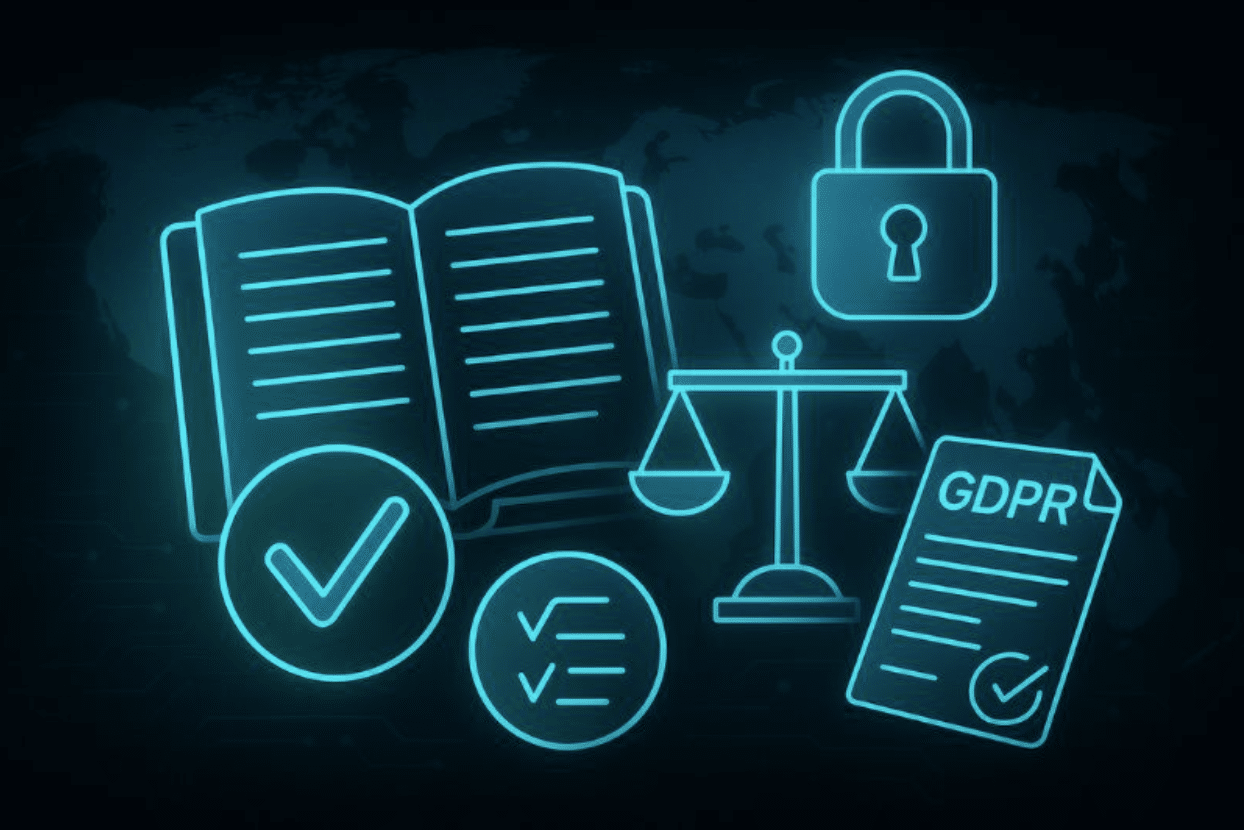
Decommissioning sits right where technology, law, and regulation overlap. And that means multiple frameworks can come into play:
- GDPR (Europe): requires proof that personal data is permanently destroyed
- HIPAA (U.S. healthcare): demands secure handling of patient records
- PCI-DSS: sets strict rules for systems that process payment data
- ISO 27001: focuses on access controls, documentation, and audit trails
The implications go further than a fine. One misplaced drive with customer data can spiral into lawsuits, investigations, and reputational damage that can’t be shaken off for years. Regulators won’t accept “we thought it was destroyed” as a defense.
This is why Reconext bakes compliance into every step by tying documentation and validation directly into the process. Every action is provable, every safeguard logged. That’s how you move from risk exposure to genuine assurance.
Working with professional decommissioning services
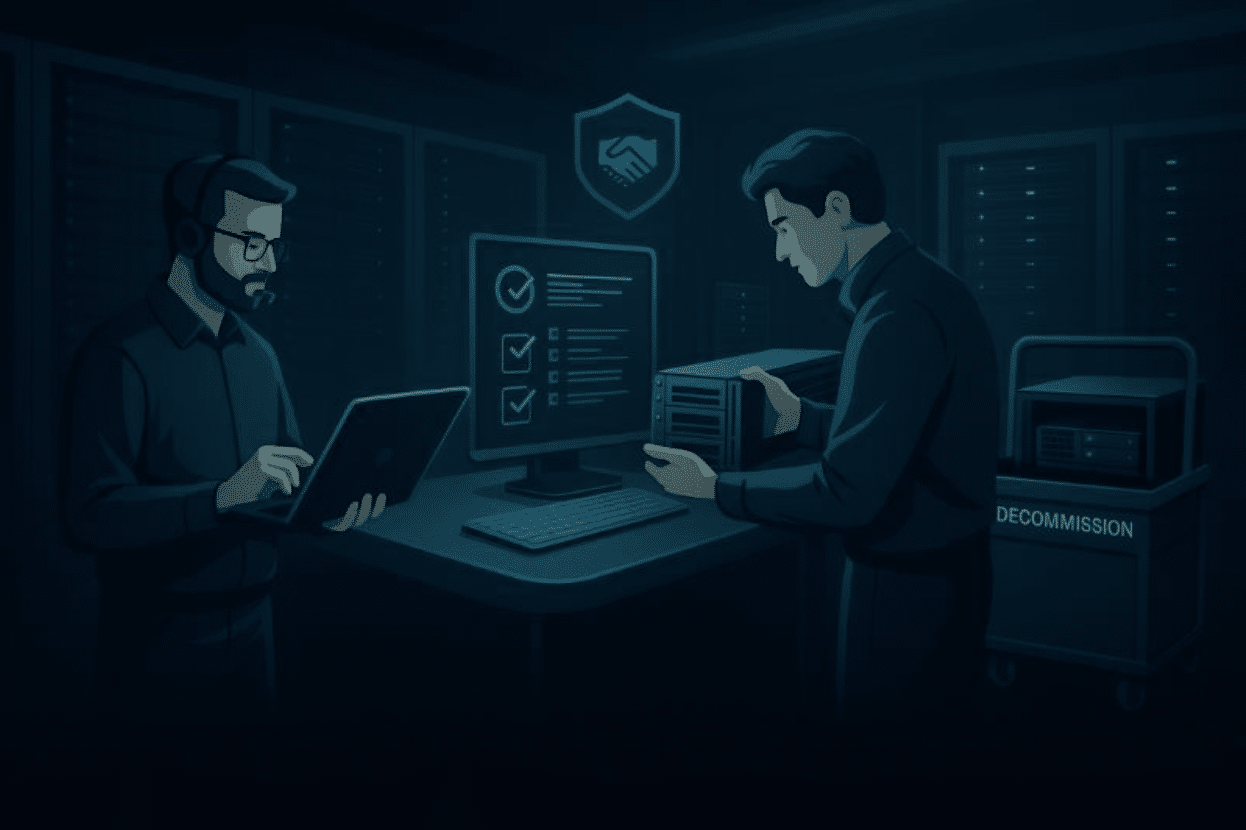
Some companies think about handling decommissioning on their own. On paper, it looks cheaper. In reality, the risks usually outweigh the savings.
DIY projects stumble over the same problems:
- Asset inventories that are incomplete or inconsistent
- Data destruction that doesn’t meet regulatory standards
- Recycling with no documentation to back it up
- Missed resale opportunities worth millions in recovered value
Professional providers bring proven tools and repeatable processes. For example, Reconext’s Rackwipe can wipe entire server racks at once through network boot, replacing the slow, manual “USB stick method.” Portable systems like Proteus securely erase drives of any make or model at scale.
The upside of working with a professional partner is clear:
- Expertise. Security, compliance, logistics and sustainability handled end to end.
- Scale. Thousands of assets processed quickly and safely.
- Transparency. Full documentation and oversight at every step
- Value recovery. Turning decommissioned equipment into revenue.
When the project is over, what you get from a professional partner is speed, savings and peace of mind. Every asset is tracked, every certificate accounted for, every ounce of value recovered. You walk away knowing the job is finished the right way, with no loose ends waiting to surface later.
Conclusion

Data center decommissioning is one of the hardest projects a company will ever take on. It demands technical precision, legal oversight, and carries financial risks that can last long after the shutdown. That’s the reality of decommissioning, and why this checklist matters.
What Reconext brings is simple: nothing gets lost, nothing gets overlooked, and nothing valuable is wasted. From secure data erasure to resale, from recycling to full documentation, every step is handled with the same care you’d expect from your own team, but at scale.
If a shutdown is on your horizon, the real question isn’t whether to follow the checklist but whether you want to manage the risk yourself or work with people who spend every day making sure no detail slips through. Let’s talk.